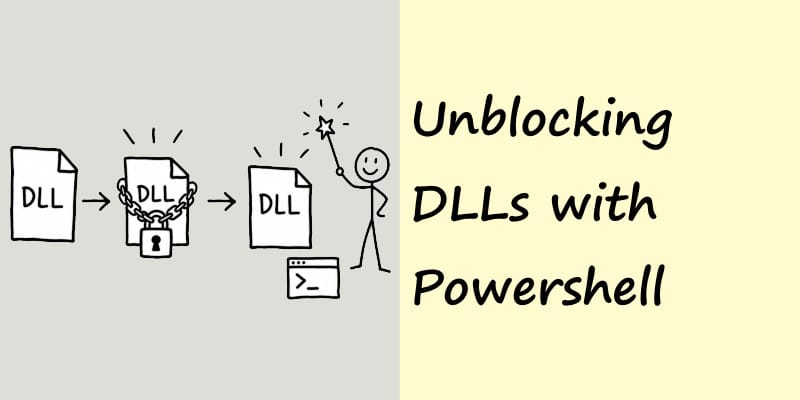
Copy deploy and dealing with blocked executables & dlls, unblocking dlls with Powershell
Dealing with a quick and dirty copy deploy

Get-ChildItem "C:\Program Files (x86)\MyCompany\MyApp" -Recurse -File | Unblock-File
This is one of those personal blog posts, for how to remember how to do something in a hurry.
There are a number of apps that for one reason or another (apathy), I just copy deploy to the server. Yes they will get a deployment script eventually.
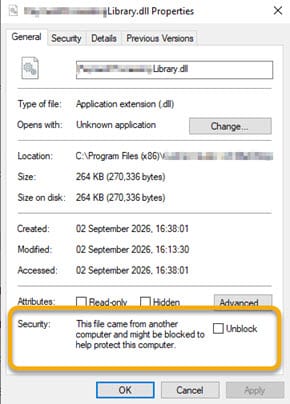
After copy of 50 dlls and exe to the server, often the case they are blocked by the operating system (not liking where the came from), resulting in the windows service failing to start.
Right clicking on any of them, gives you the blocked notice as shown.
Now you can't just select all, right click, unblock, no, that is too easy. So I use the above Powershell to do it for me. The powersheel recursively goes through the folders unblocking the dlls and exe files in a fraction of a second, letting you get on with what you need to do.
See, I just never remember what the command is. Now it is here for me to look up when I need it again, rather than having to search or LLM for the correct short command version of how to do it in Powershell.