Why Claude Projects Feel Bigger Than They Should?
How is it that Claude projects can support so much data (documents etc) compared to standard chats?

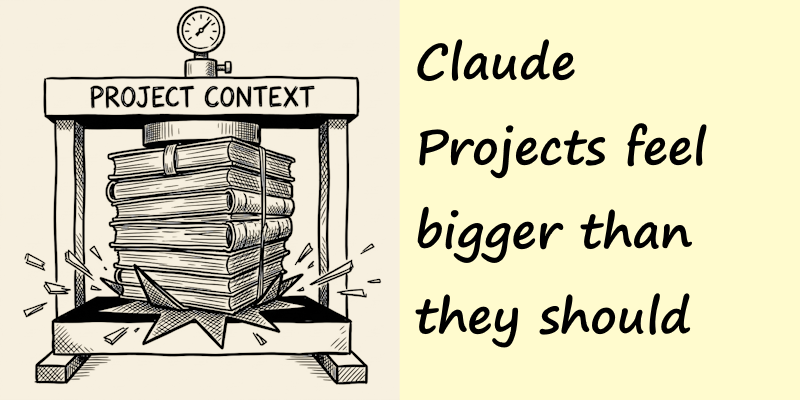
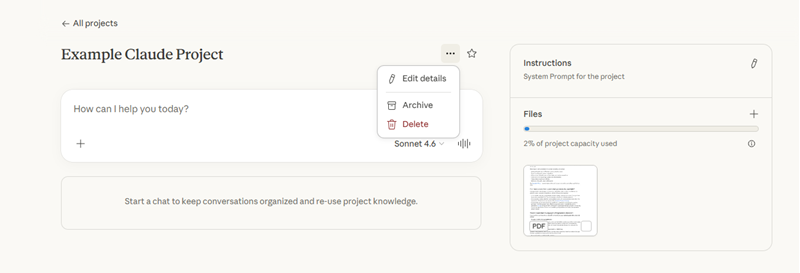
Have you noticed that Claude Projects seem to hold a lot more than a regular chat? Also that when things do get large, the "compaction" that happens feels a little different than the normal "compacting our conversation so we can keep chatting".
A quick recap: the context window
As I covered in a previous post of mine, every AI conversation runs inside a context window which is a fixed amount of working memory that holds everything the model is dealing with and can "see" at once. It holds your messages, AI replies, any documents you've shared, info for tool calls and so on. When that window fills up, it can't just keep going as there is no memory. In a regular chat, that usually means older messages start falling off the back and any awareness of those chats is lost to the LLM, and Claude can't remember them any more.
Projects have always been better than basic chats for keeping knowledge context, but they used to hit the same hard limit with the context window. Add enough files and you'd eventually find there was no more room.
What changes with RAG
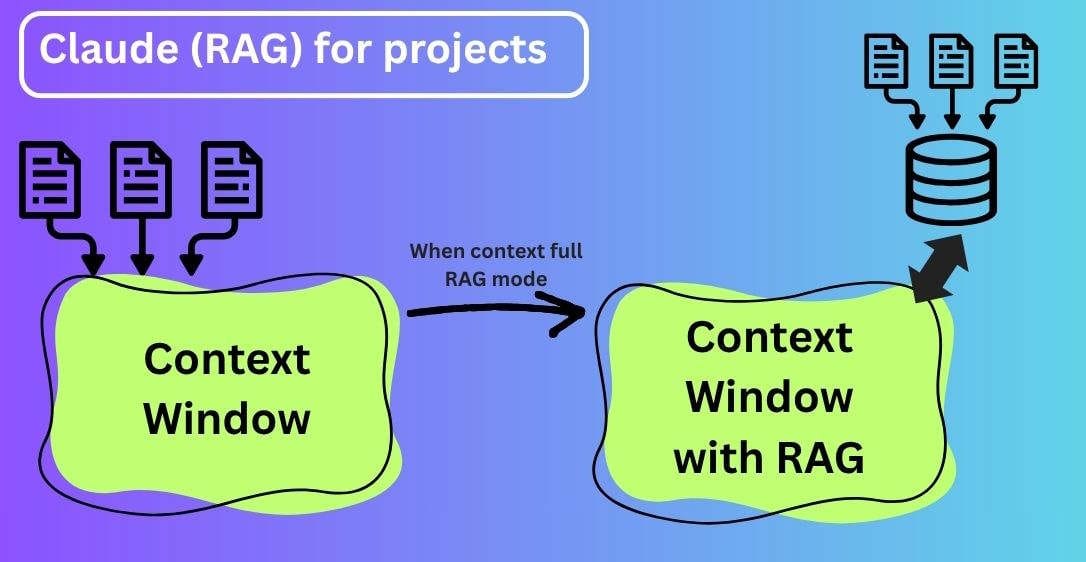
When your project knowledge approaches the context window limit, Claude automatically enables RAG mode, expanding the capacity of the project while maintaining quality responses. I explain about how RAG works in a previous post.
The difference is how Claude accesses your uploaded documents. In a project that is still under the context limit, everything gets loaded into the context window, then Claude considers all of that content before responding.
With RAG enabled, that changes. Instead of loading all project content into memory at once, Claude searches and retrieves only the most relevant information it thinks is relevant to reply to your chat. This has the added benefit of normally resulting in more focused results.
What "compacting down more" actually means
In a regular chat, filling the context limit causes the end of the chat, the model starts losing information from the beginning of the conversation. So the conversation quality can break down significantly as the LLM feels like it is forgetful in a very noticeable way.
Some systems compact the conversation down by summarising all the important parts of what has gone before, and deleting the details, creating more space. That is not what is happening in this case.
In a RAG enabled project, the transition is smoother. Your documents are indexed separately, and Claude pulls from them on using the project knowledge search tool. You will see this appear in Claude's responses when it's active.
The result is that the project can hold dramatically more material, and responses stay fast and coherent even as the knowledge base grows, because Claude is only ever working with the relevant slice of it at any one time.
When does RAG kick in?
RAG automatically activates when your project approaches or exceeds the context window limits. There is no setup or configuration switch required. Later if files are removed that cause it to drop back below the threshold, then Claude will automatically revert back to performing in context processing.
Working within the context window is still preferred, when it fits, as having everything immediately available in memory has its own advantages for speed and completeness. RAG is just an extension technique, that expands the capacity but does not a replace direct in context access. If it did we would have seen RAG being used rather than the LLMs developing bigger and bigger context windows. Remember RAG only spoon feeds a slice of the data back to the context window, not everything, so quality can be limited by the RAG implementation.
Quality issues?
It is reasonable to worry with any RAG system is that it might miss things and Claude gives you a worse answer than if it had just taken everything from context. The makers of Claude say the responses remains consistent with in context processing and in practice the retrieval is good enough that you won't notice the difference.
Note: you can help it along, when chatting reference specific documents by name to help Claude focus its search. If you have a project with lots of files and you know the answer lives in a specific one of them, naming it helps the retrieval step.
Summary
If you are using Projects for anything document heavy, research, then the switch to RAG means you no longer need to be careful about what you add. The project will automatically go into RAG mode when it needs to. You can continue adding information without worry.
You will also notice this technique used in other AI applications, once you are aware of it, you can recognise where it is being used to extend context.