Add In For Dynamics GP, works with Visual Studio 2026
Visual Studio Tools SDK Templates for Dynamics GP, for Visual Studio 2017-2026
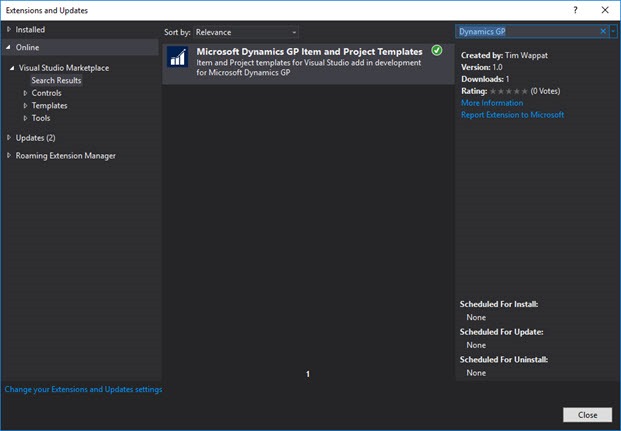
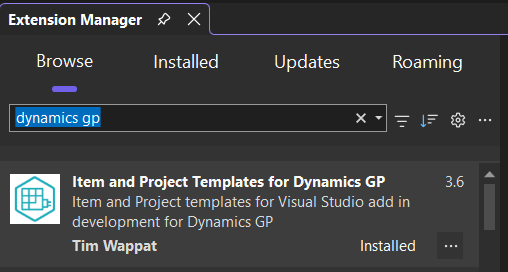
Support for Visual Studio 2017-26 is now available by using the Visual Studio Extension Gallery (Tools>>Extensions and Updates), click "online" within list on left and then searching for "Dynamics GP" using the "Search Visual Studio Marketplace" search box.
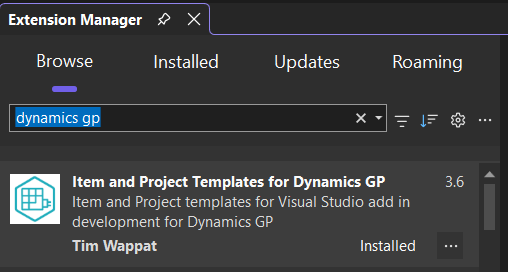
Note: Dec 2025 - I had to change the name and logo of the extension to avoid the legals, it now looks like this..
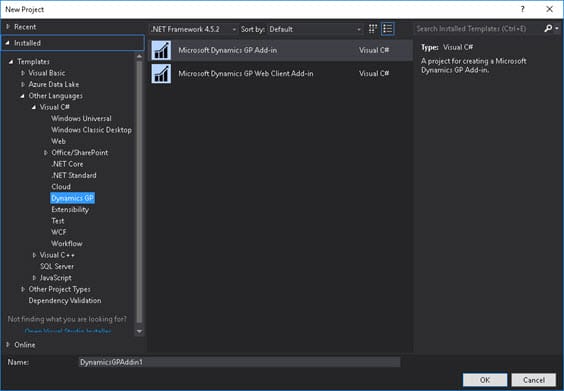
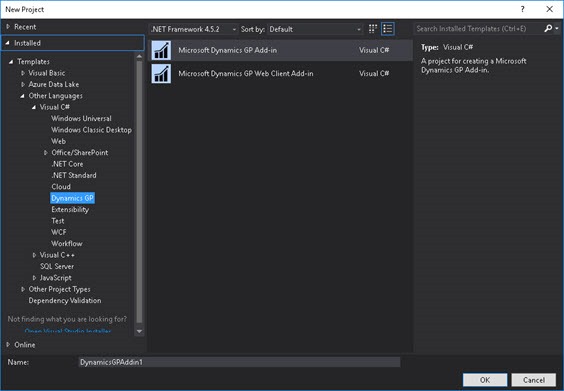
When installed, these templates are found by navigating in Visual Studio to File>New Project, where under the Dynamics GP folder are found new project types for "Microsoft Dynamics GP Add-in".
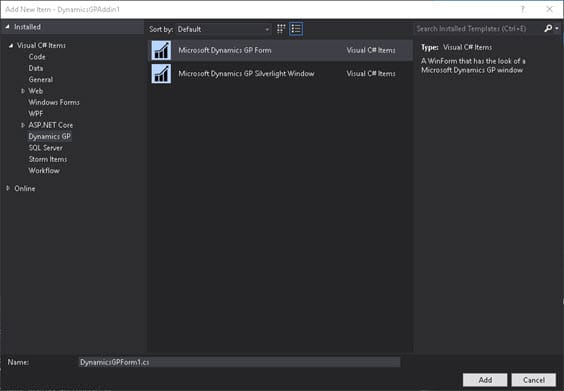
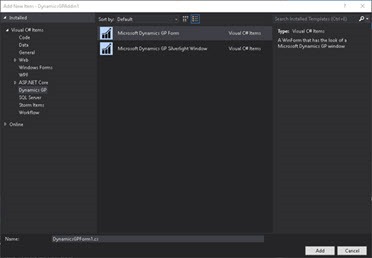
Once the new Visual Studio project is created it is possible to right click the project and "Insert New Item", where there will be a Dynamics GP option available. This option allows the creation of new GP forms in the project.
REQUIRED: Install the Visual Studio SDK
The Microsoft Dynamics GP Visual Studio Tools SDK needs to be installed on the machine to use the templates. The SDK will install the assemblies referenced examples are;
- Microsoft.Dexterity.Bridge.dll
- Microsoft.Dexterity.Shell.dll
- Microsoft.Dynamics.Framework.UI.Navigation.dll
- Microsoft.Dynamics.Framework.UI.WinForms.Controls.dll
Some of the above are referenced by the templates once they are installed. It also installs other required parts needed for Visual Studio development like the DAG (Dictionary Assembly Generator).
The SDK is normally found on the Microsoft Dynamics GP installation media, under the folders:
Tools>>SDK>>VS Tools
To install the SDK, run the VSToolsSDK.exe installer found in the above folder.

See above support is available in GP 2016 installer for templates to VS2015. If this had been the installer from a previous version of GP, then VS2015 would not have been included either, but the extension will work for previous versions.
The SDK will be installed by default to:
Program Files (X86)\Microsoft Dynamics\GP{ver} VS Tools SDK\
Note: 24th Oct 2018 - there seems to be a buggy behaviour with the search in the Visual Studio gallery, only by paging through the results and back to page, does the extension show up in the results. Please see the you tube video at the bottom of this post for example work around. This no longer seems to be an issue but leaving it here just in case it returns in the future.