Open operation on table WDC_Field_Security_Tag_TEMP failed - Dynamics GP
Solutions to solve Open operation on table WDC_Field_Security_Tag_TEMP failed


I have had a bit of bother locating the root cause of the error our users are encountering.
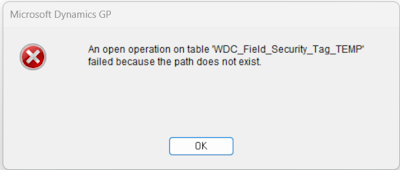
An open operation on table 'WDC_Field_Security_Tag_TEMP' failed because the path does not exist
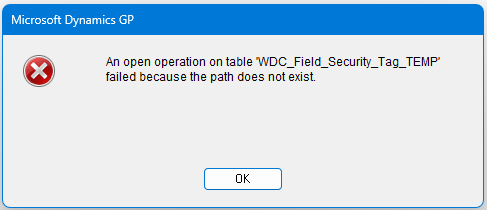
This was particularly prolific with one of the users who could encounter it three or more times a day, then not at all for days, then maybe once, then many again. Basically it was unpredictable.
Other users also reported the issue, but not as regularly as this user.
Also this message also popped up for some users.
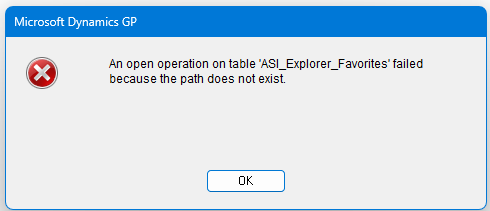
An open operation on table 'ASI_Explorer_Favorites' failed because the path does not exist
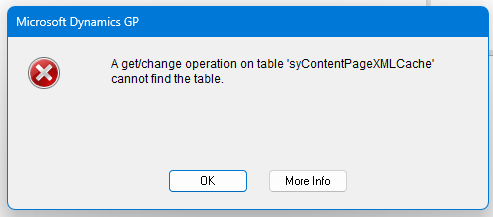
A get/change operation on table syContentPageXMLCache cannot find the table
When I saw this the first time I thought it was the "usual" close table error, normally caused by machines getting disconnected from the server momentarily or due to sleeping, see here: FP: Couldn't Close Table – Dynamics GP Error Solution
But this kept happening so further investigation was required.
I checked out the post by Terry Heley at Microsoft:
SQL Connectivity Errors seen in Microsoft Dynamics GP
Terry gives some advice around resolving this error:
The WDC_Field_Security_Tag_TEMP error occurs when GP's temporary files aren't cleaned up properly. Fix it by:
- Clear user TEMP folder - Go to
%temp%and delete.dat,.idx,.log, and.inifiles while logged out of GP.- Restart SQL Server -Clears the TEMPDB; have all users log out first.
- Antivirus exclusions - Exclude the GP code directory,
Dynamics.exe, shared dictionaries, and file types:.cnk .dic .chm .set .ini .dat .idx .vba .log.- Check Group Policy - Disable any scheduled TEMP folder cleanup that runs during business hours.
Ensure users have at least Read/Write access to the TEMP folder, and consider granting the Everyone group full control of both the TEMP and GP code directories.
David has four articles on the subject:
- Unexplained Temp Table Errors (2010)
- An open operation on table '[TEMP Table]' errors (2009)
- An open operation on the table 'MBS_Screenshot_Forms' failed because the path does not exist (2019)
- Temp Table Errors - An open operation on table 'MBS_sySecurityView' failed because the path does not exist (2026)
The detail and history in these articles are well worth the time to read, but essentially this also boils down to:
Errors like "An open operation on table 'X' failed because the path does not exist" or "has an incorrect record length" are caused by problems with local c-tree temporary files, not SQL Server. These files (named
TNTXXXX.dat/.idx/.tmp) are stored in the workstation's%TEMP%folder and are created and deleted by GP as needed. Checking SQL Server logs or traces is therefore pointless.Why errors occur:
- Leftover TNT files from a previous GP crash conflict with new ones using the same filename
- The
%TEMP%folder doesn't exist, lacks read/write permissions, or the drive is full- Antivirus software locks
.datfiles, preventing GP from deleting them (a confirmed cause in real cases)- Automated cleanup tasks delete files mid-session, or only delete some files and not others
- Terminal server/VM sessions terminated while GP is running leave orphaned temp files
The fix:
- Close GP and delete contents of
%TEMP%(some files in use can be skipped)- Exclude
.dat,.idx,.tmp, and.inifiles from antivirus scanning- Ensure
%TEMP%exists, has full read/write access, and isn't running out of space- Remove any scheduled tasks that clear temp files during business hours
- Avoid terminating idle VM/Terminal Server sessions while GP is running
I had some knowledge of these issues already from reading in the past, but this served as a useful refresher.
I suspected anti-malware or virus protection, which had been significantly stepped up recently. I had seen other applications struggling due to these protection layer holding onto file handles, thus I asked the IT team to follow the recommendations around that as described in the posts, only to find the issue didn't go away.
We also found that the user's machine drive space was getting squeezed due to the general way in which operating systems and applications continue to consume file system space over time. The team freed up considerably more space on that machine.
I still had some suspicions around network connections dropping, due to the pain around the close table error issue I mentioned earlier. Thankfully the network team looked into that for me, updating network drivers and wiggling and checking physical cables and ports. Also as noted in my other post, turning off the "green" options that let the network sleep is worth investigating - somethign like, "Realtek PCIe GbE Family Controller is disconnected from network." in the machine application log is a sign that this is the issue.
After those points were addressed, the issue has for now gone away. I am still unsure as to what resolved it - indeed it may have been none of those things; it's possible that a Windows update or antivirus/malware definition update applied in the background resolved it without our awareness.
However, the good news is we no longer see that error. Most important take-away, is it is important to read the articles listed above to understand that we are not necessarily talking about SQL tables here, which seems to be the natural assumption people make when faced with this message.